Support Document
 Support Document
How to check detail in x report?
In daily report module, there is x report in which all detail display according to multiple shifts open and
close.
For x report follow below procedure.
For x report follow below procedure.
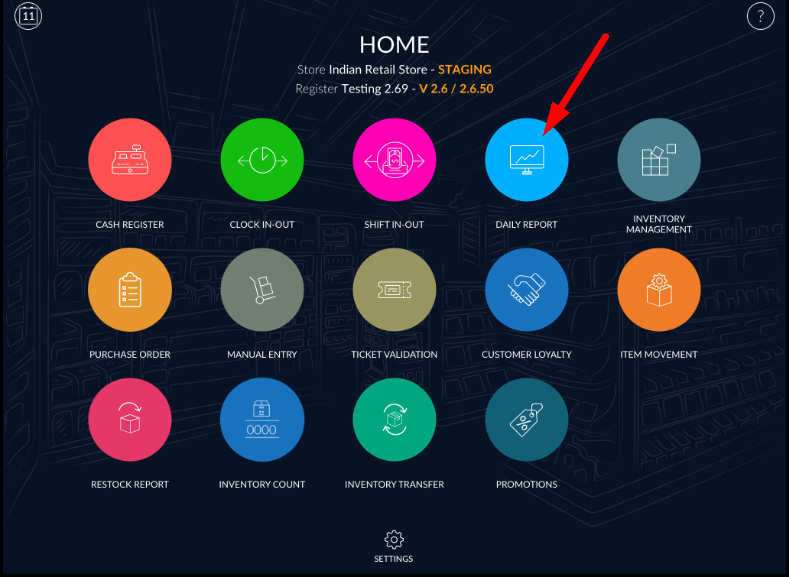
- Open rapid RMS application.
- Go to Daily report module.
- At the bottom bar, select X report option.
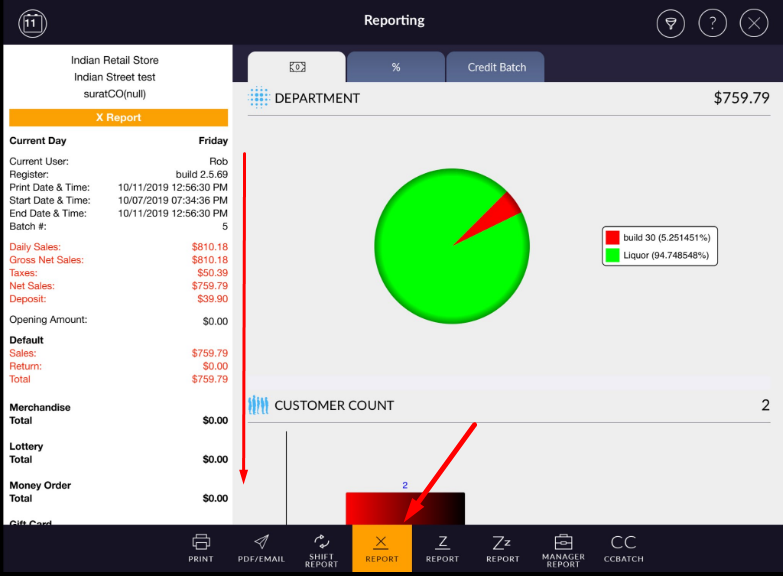
- Shift start date, end date, register, current user batch # etc details appears in X Report.
- Daily sales, gross sales, tax details, payment details, discount details, department wise bifurcation appear in x Report.
- All shifts data appear together in X Report.
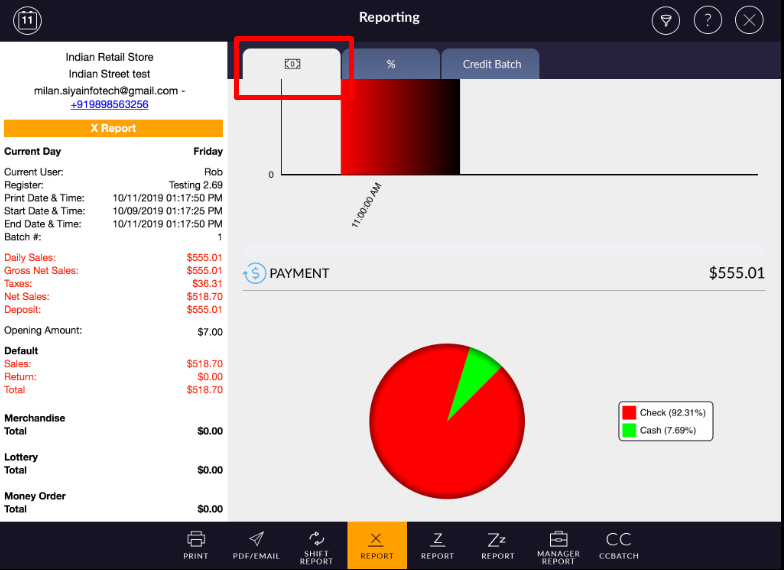
- You will be able to review data in chart wise. It represents data in Column and Pie chart wise.
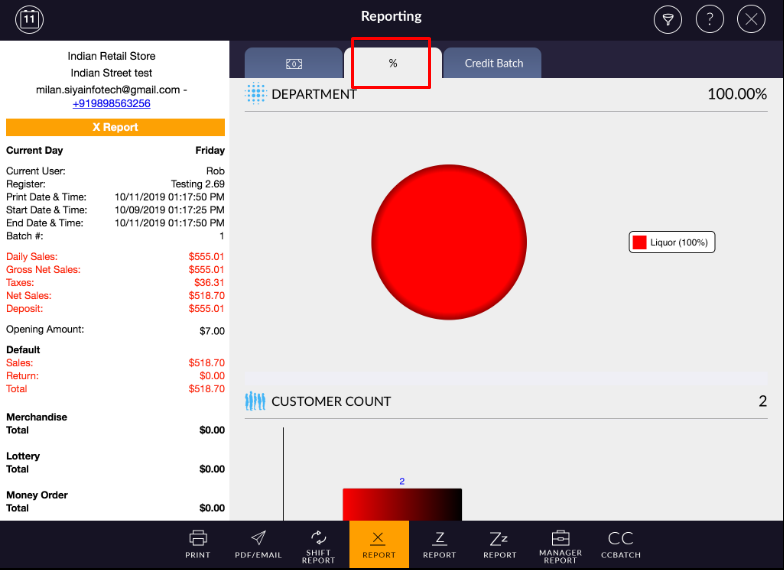
- You can review your chart data by $ and % wise accordingly.
- It will appear data by $ wise by default.
- To view data in % percentage wise, select % option from top middle of the page.