Support Document
 Support Document
How can see order history of purchase order?
For the whole process detail, user can see in the order history.
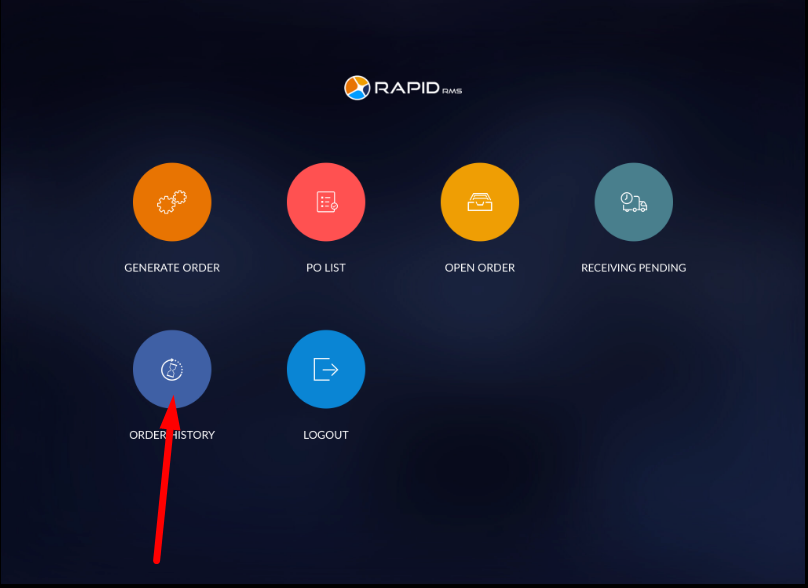
- The open dashboard of purchase order module.
- Hit order history option.
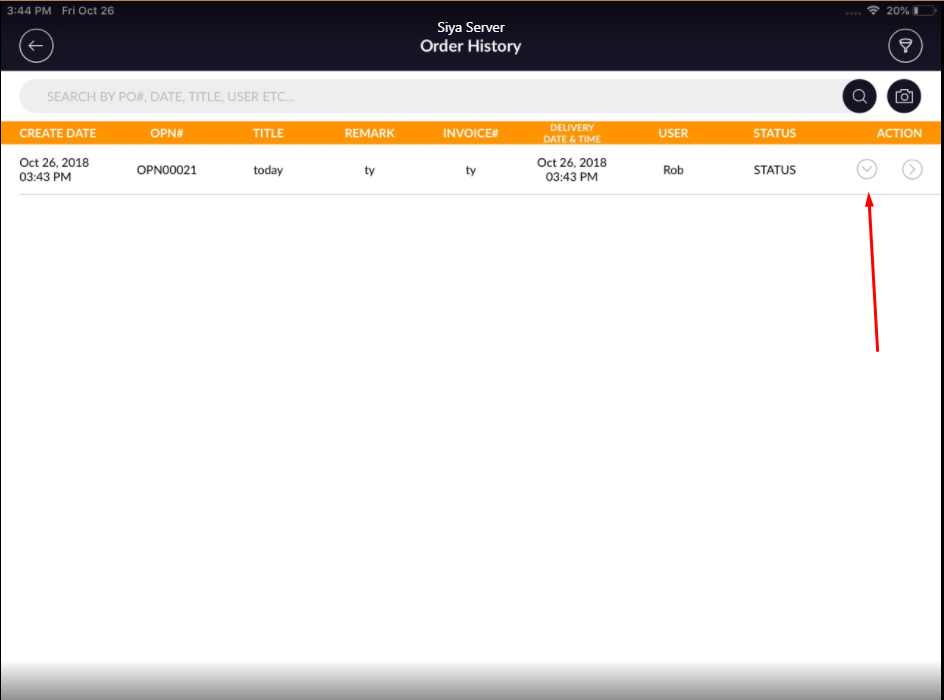
- All the orders which are completed, the list would display with all the detail like created Date, OPN
#, title, invoice #, delivery date & time etc.
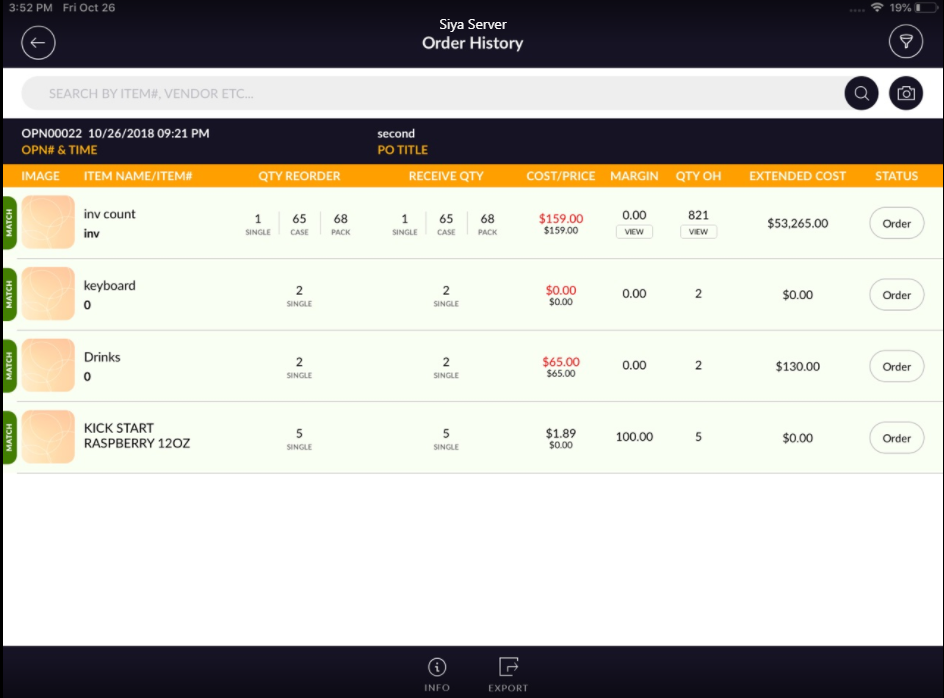
- For further detail click on the indicted arrow.
- It will display all the item with full detail which is available in a particular order.
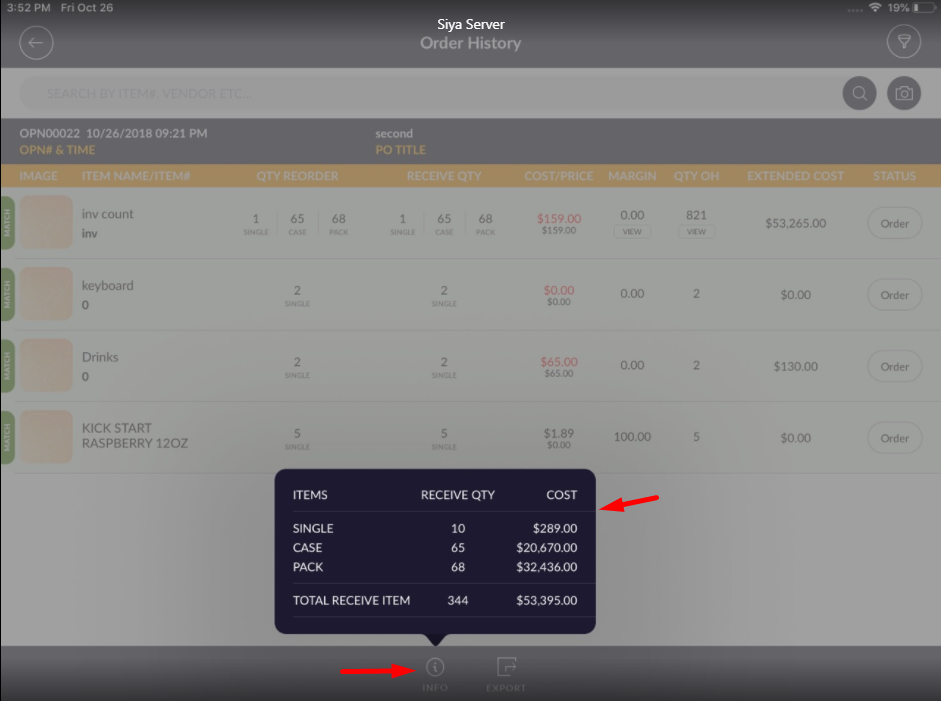
- In order history by info, button receives qty and cost detail would display.
- And from export option print and email can be done.