Support Document
 Support Document
How to add a new customer?
Customer can be added from the customer loyalty module.
- Open rapid RMS application.
- Go to the customer loyalty module.
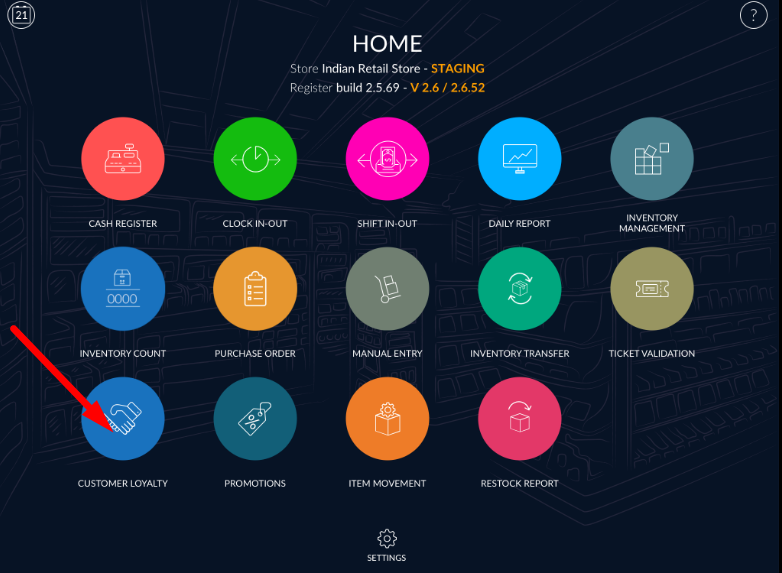
- At the bottom bar, there is one option named as add customer.
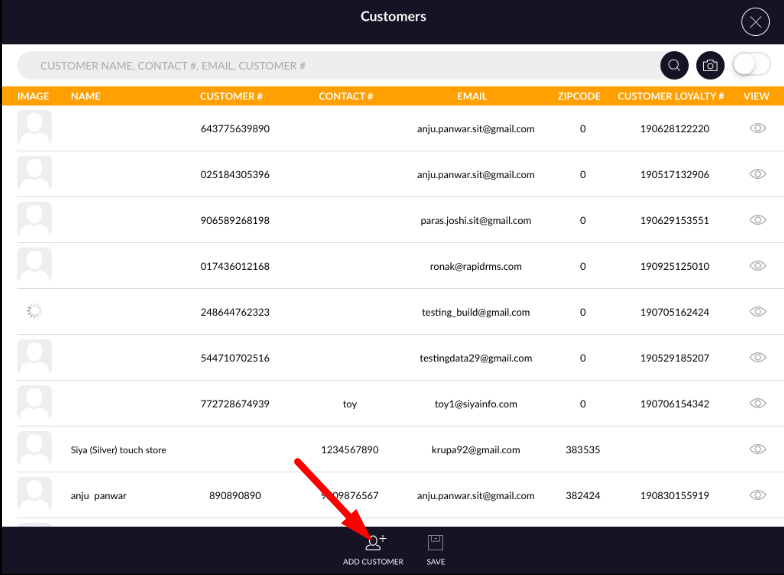
- Click on that button.
- A page for the new customer will open.
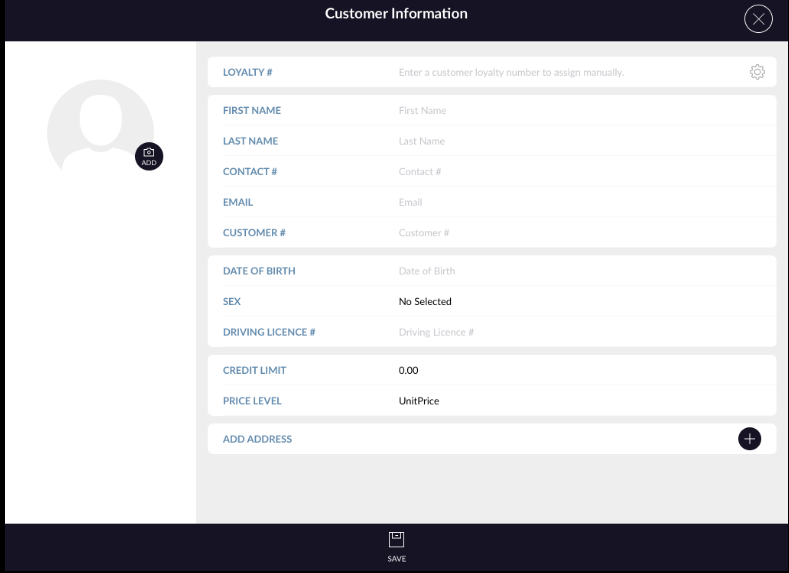
- Add all require details of customers.
- Add an image from the add button. Loyalty number is auto-generate.
- When you click on button then one automatic number will generate.
- Add the first name, last name, contact #, email, customer #, date of birth, sex, driving licence #, credit limit, price level and address.
- Loyalty number and from either email or customer # fields are compulsory to add a new customer.
- Hit save button.
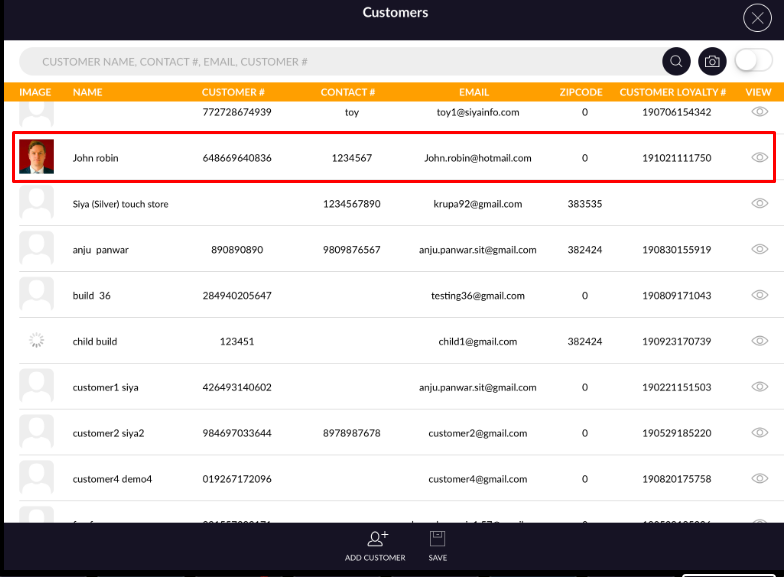
- New customer will be added and listed in customers list.