Support Document
 Support Document
How to add items in the PO by restock report?
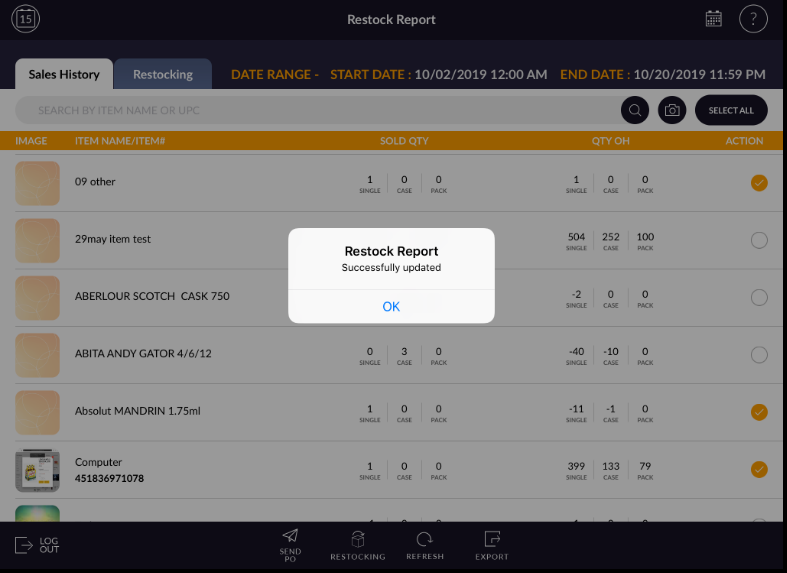
Restock report is the module to complete and check the stock of selling items.
All items which are sold from the store will display in sales history.
For add item(S) in PO, the list follows below procedure.
All items which are sold from the store will display in sales history.
For add item(S) in PO, the list follows below procedure.
- Open rapid RMS application.
- Go to restock report module.
- Open sales history.
- Select item from list which you want to add to Po.
- Apply option send to PO.
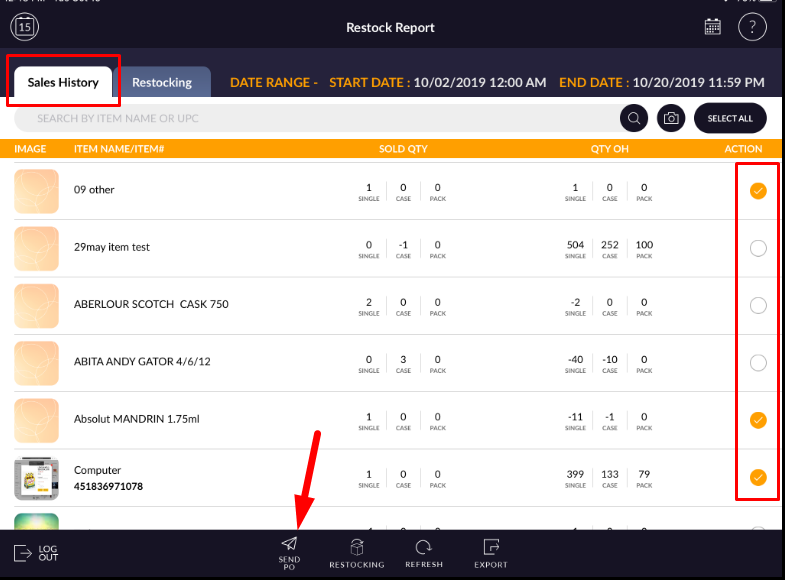
- Selected items will add to purchase order.