Support Document
 Support Document
How to add item to Open order from item movement?
When the user wants to move the item to purchase order then one of the possible ways is from item movement.
- Open rapid RMS application.
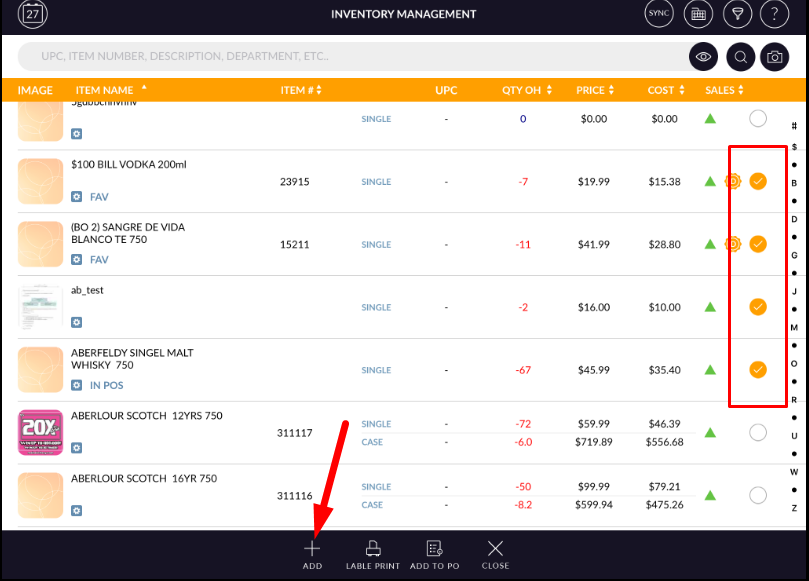
- Go to item movement.
- Add items in item movement list from search option.
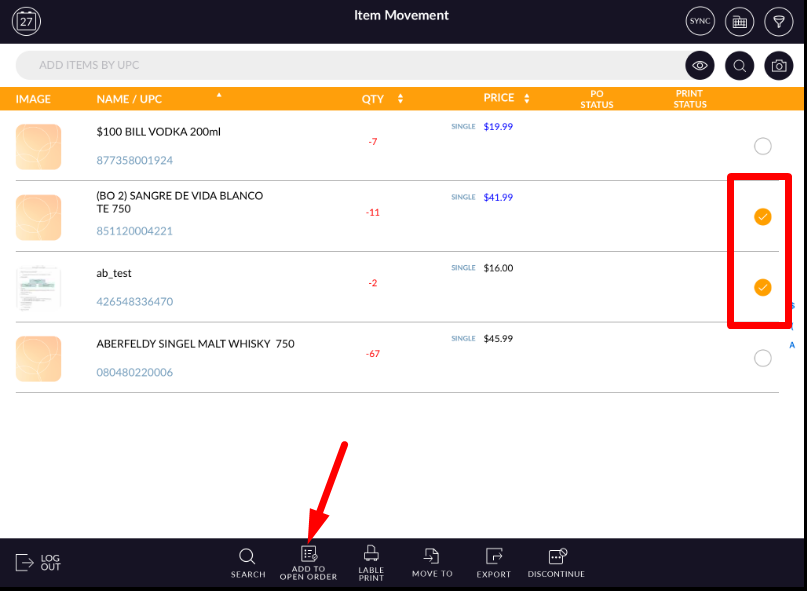
- From list select items and apply option add to open order.
- Pop up will blink with all available open order in system.
- Select anyone from that.
- At a time you can select only one open order.
- Now apply yes.
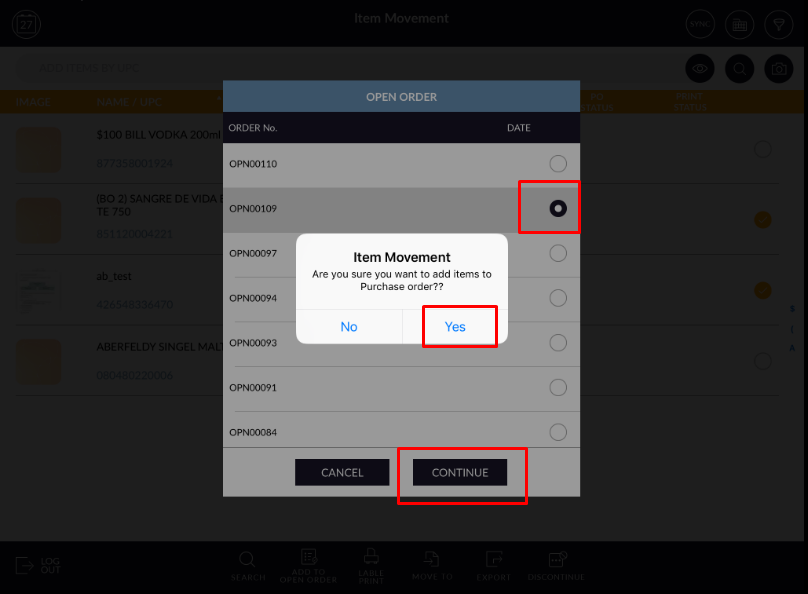
- Continue with process.
- Item will be added to open order.
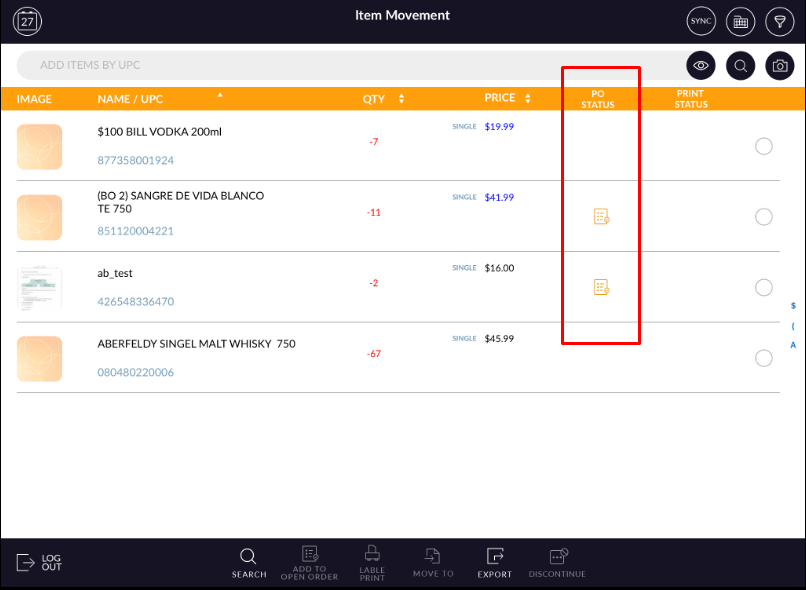
- Items which are added to open orders will display with PO symbol.