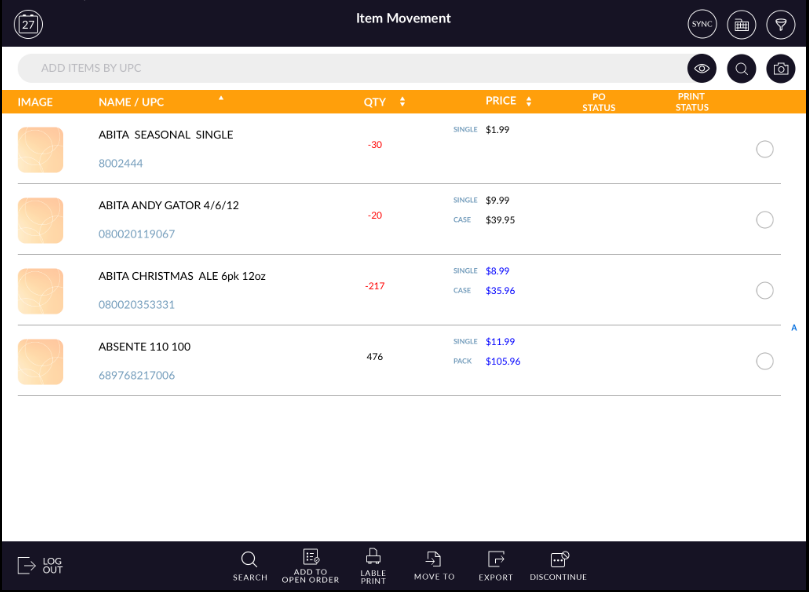
Support Document
 Support Document
How to add item in item movement ?
Item movement is a module for adding item directly open order or move the item in department,
sub-department, vendor, group, tax, tag, EBT, etc.
But for moving item in, differ places first need to add item in item movement list.
But for moving item in, differ places first need to add item in item movement list.
- Open rapid RMS application.
- Go to item movement module.
- Select search.
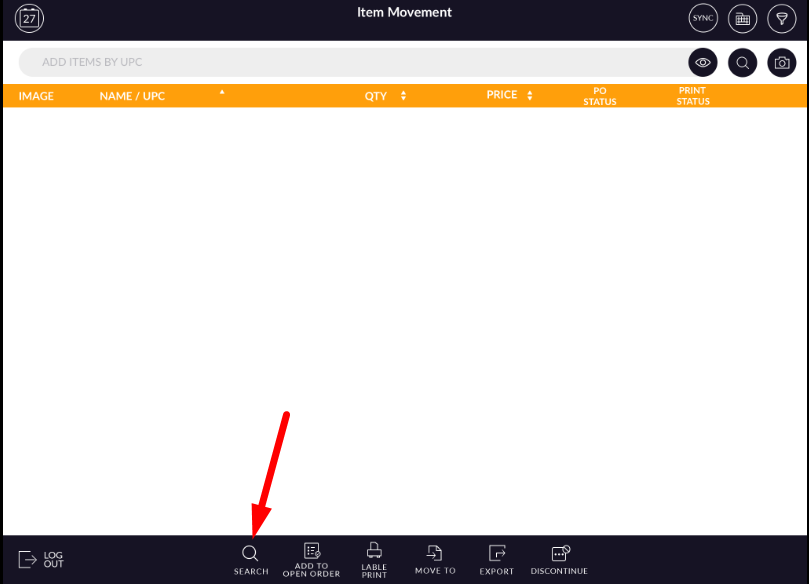
- All items available in store will display.
- Select items from the list.
- Apply to add.
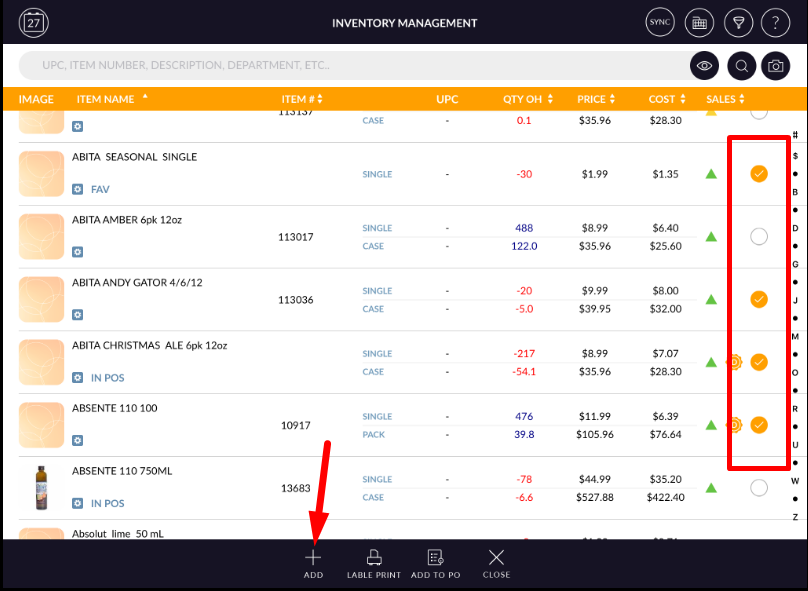
- Items will display in item movement list.