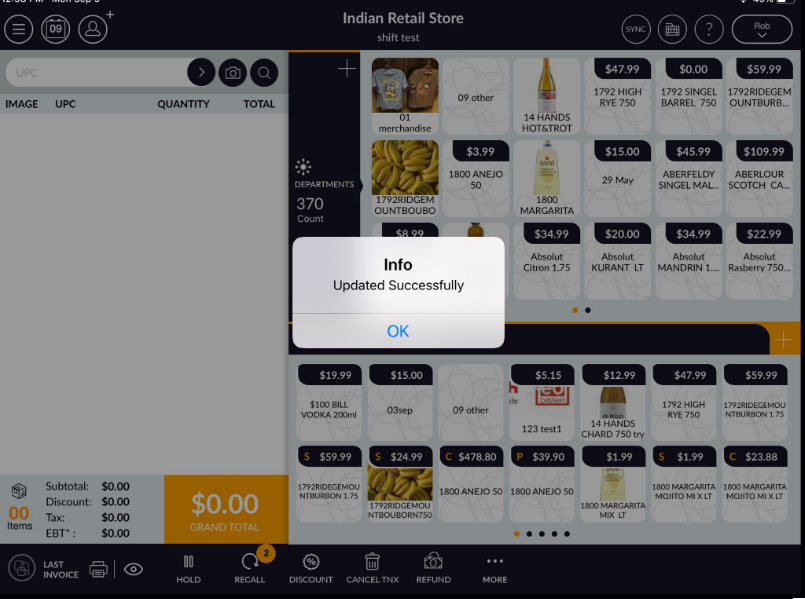
Support Document
 Support Document
How to add a favourite item?
For the sack of simplicity in ring up items in the bill, there is a facility to set item as a favourite in
the cash register.
From setting item as favourite goes through below steps:
From setting item as favourite goes through below steps:
- Open rapid RMS application.
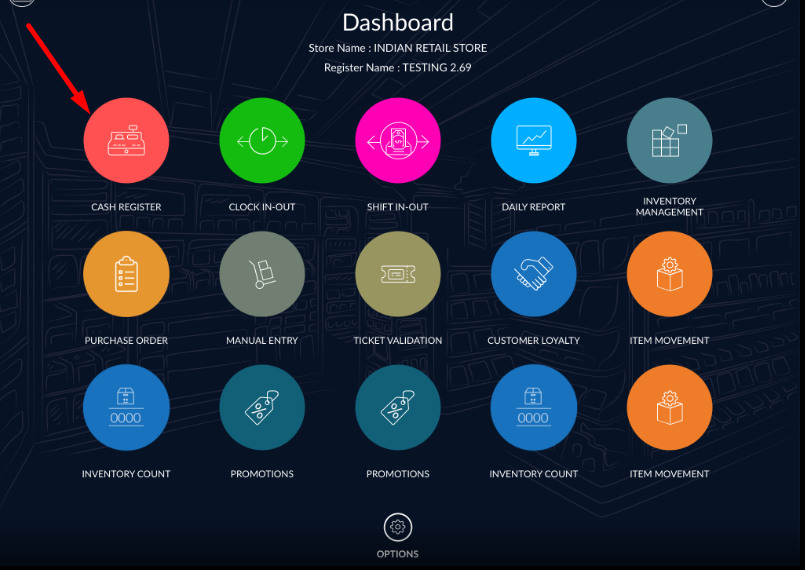
- Go to the cash register module.
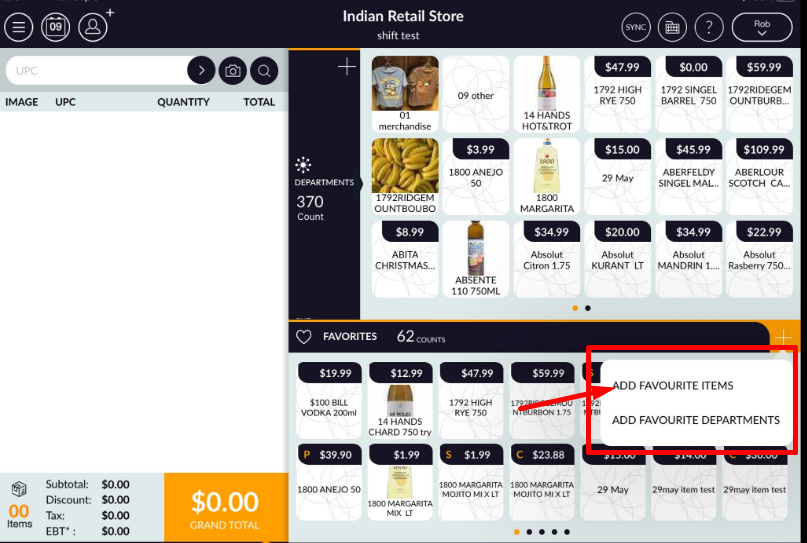
- From favourite item, list section clicks on “+” icon.
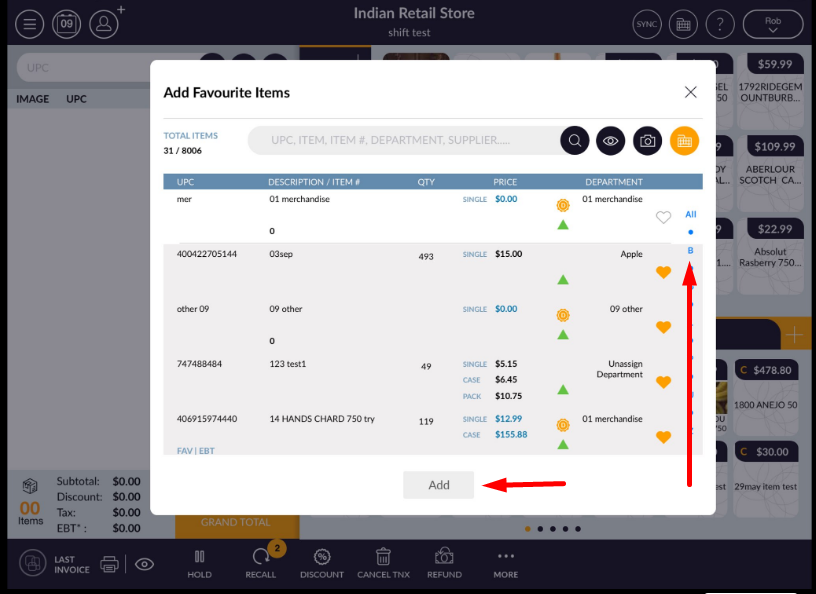
- All available item list will open.
- Select items which you want to set as a favourite.
- Apply add.
- The selected item will set at favourite items and it will display in the favorite item list in RCR.