Support Document
 Support Document
How to add favorite Department ?
For the sack of simplicity in ring up department item in the bill, there is a facility to set department as
a favourite in the cash register.
From set department as favourite go through below steps:
From set department as favourite go through below steps:
- Open rapid RMS application.
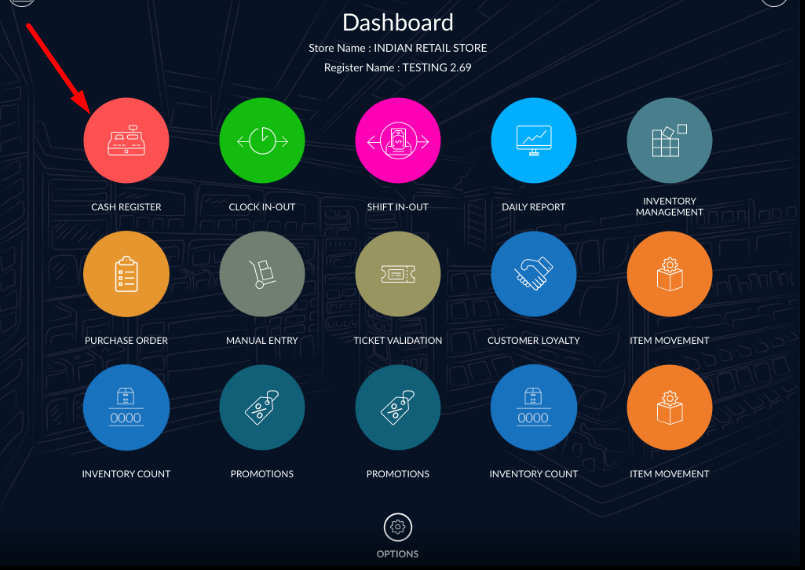
- Go to the cash register module.
-
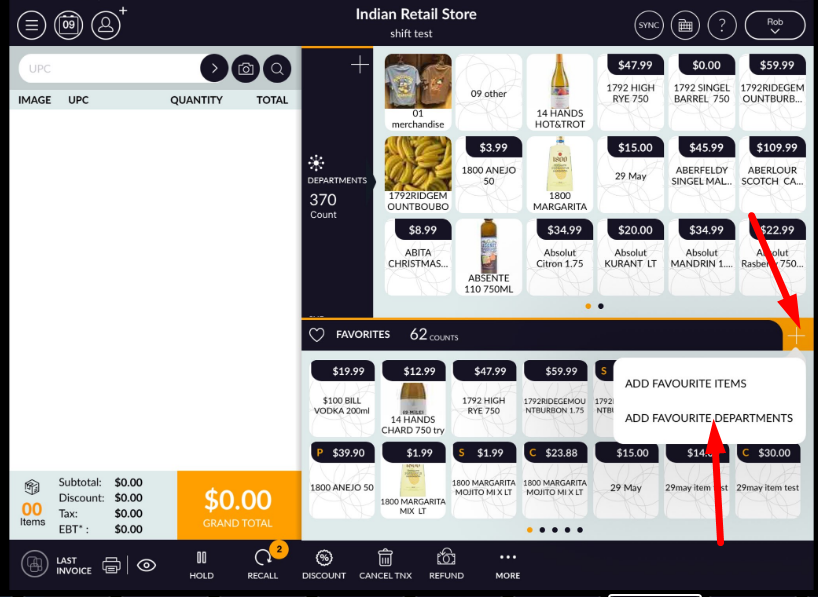
From favourite item, list section clicks on “+” icon.
- List of all available department will display as existing favourite/ unfavourite list.
- Departments which are already in fav list will display with a yellow heart symbol in it.
- A select department which you want to set as a favourite department.
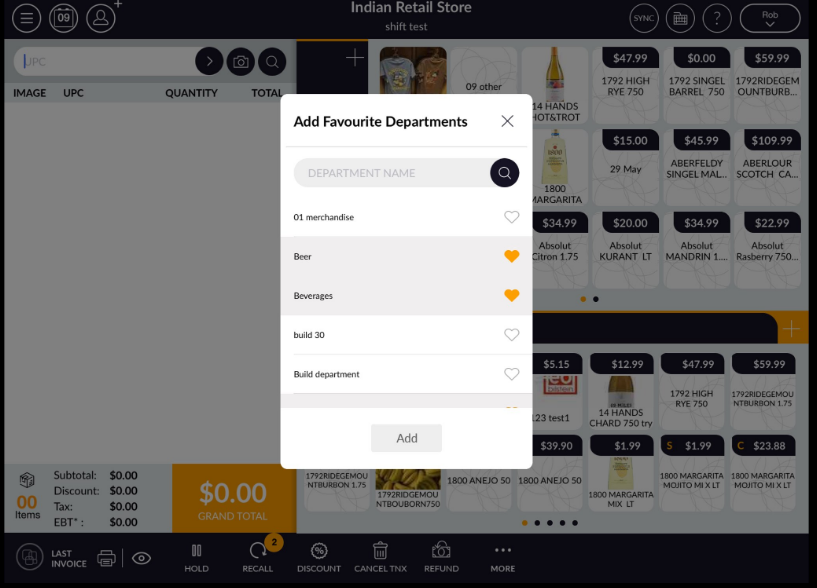
- Apply to add option.
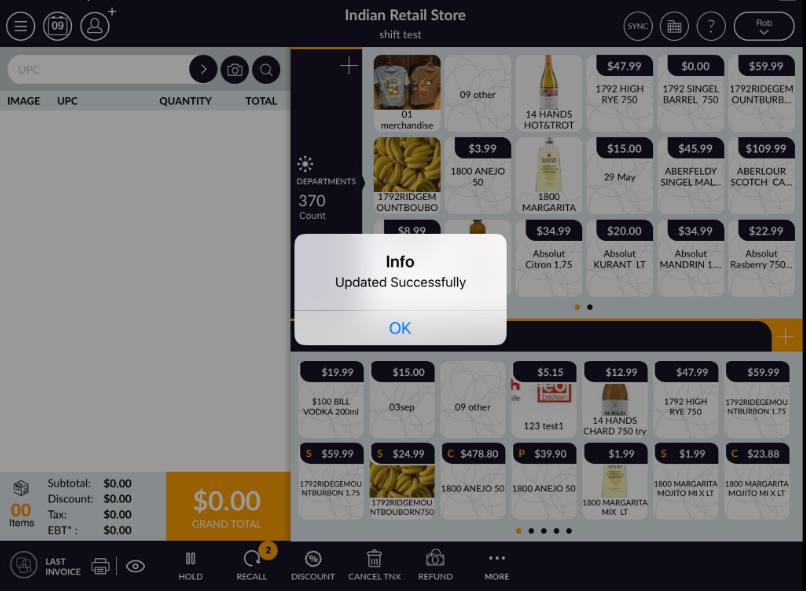
- The selected department will set in the favourite list and deselected dept will not remain in the
favourite list.