Support Document
 Support Document
How to add credit for house charge ?
When a customer wants to add some credit for house charge payment in the store then it is possible to add
credit.
For add credit limit follow below step.
For add credit limit follow below step.
- Open rapid RMS application.
- Go to the customer loyalty module.
- From customer list, view that customer.
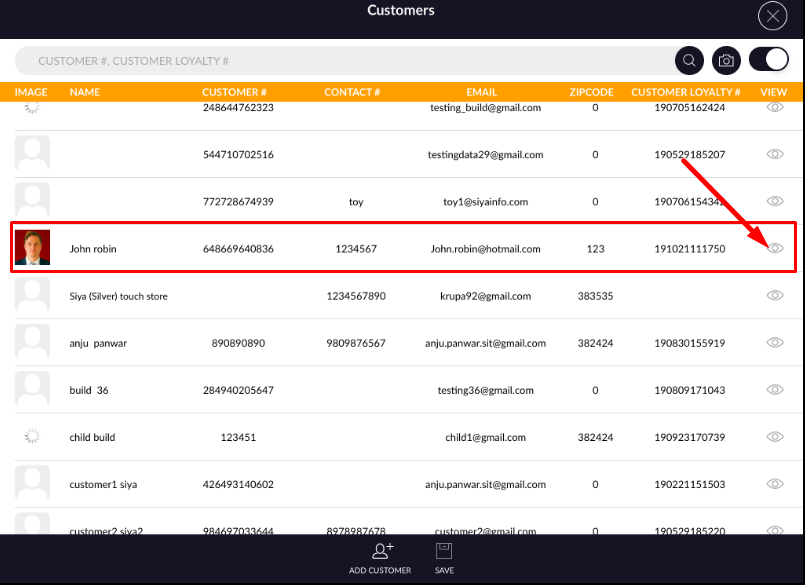
- From profile, tap to house charge tab.
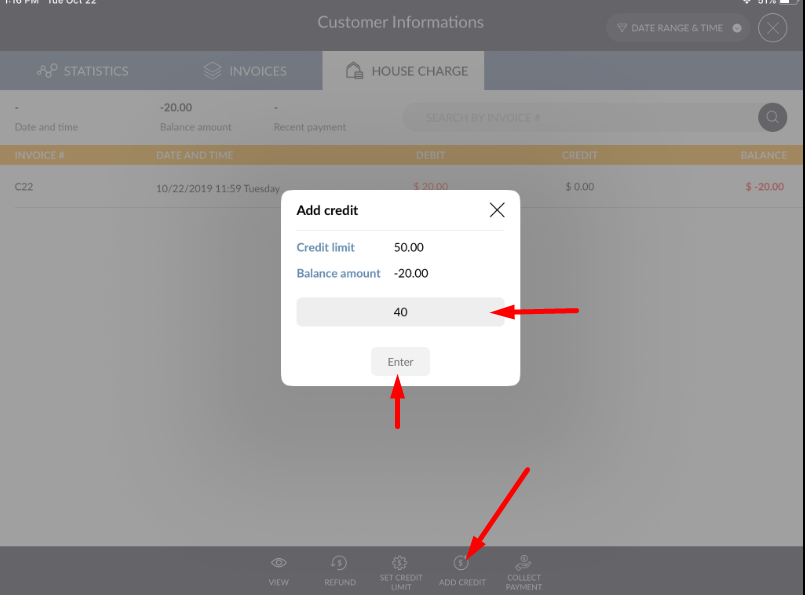
- At the bottom bar, one option is available as add credit hit that button.
- Enter credit amount you want to give to house charge.
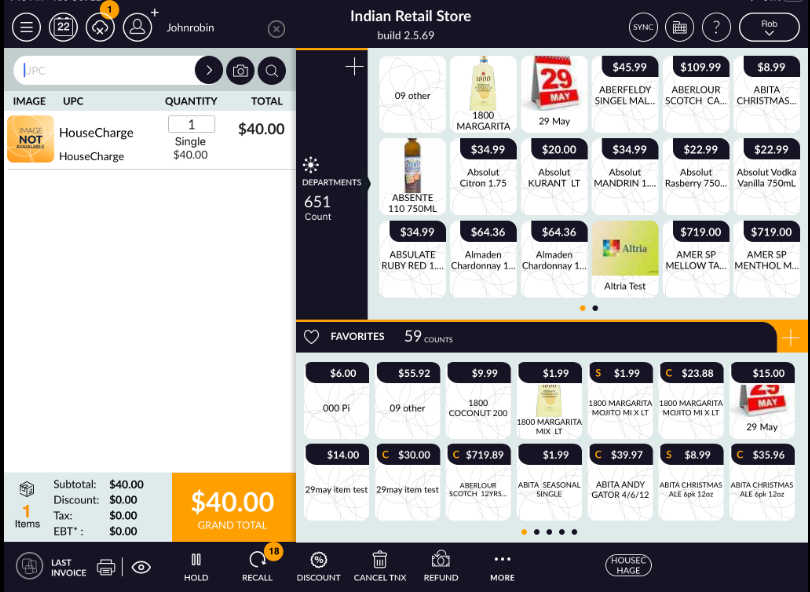
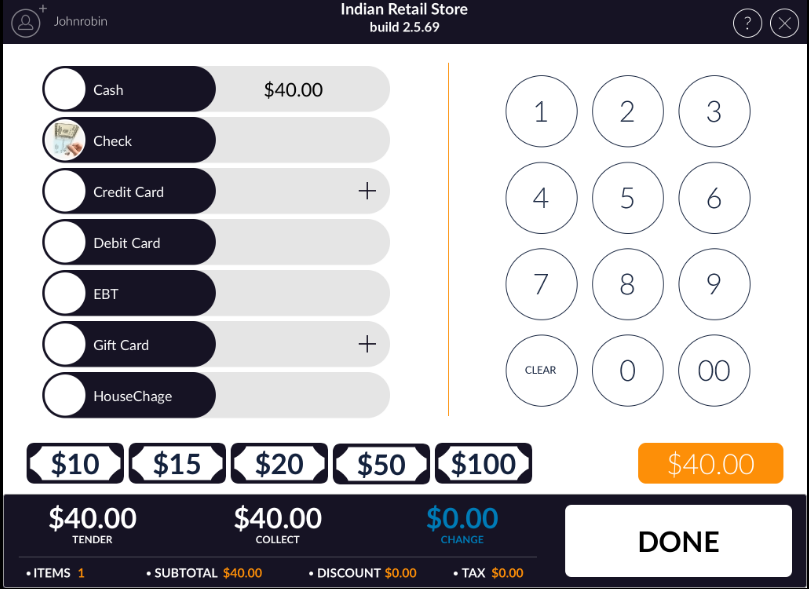
- From RCR that payment will complete.
- At the time of add credit you can pay by any other payment rather than house charge.
- Now in house charge page added credit would display.
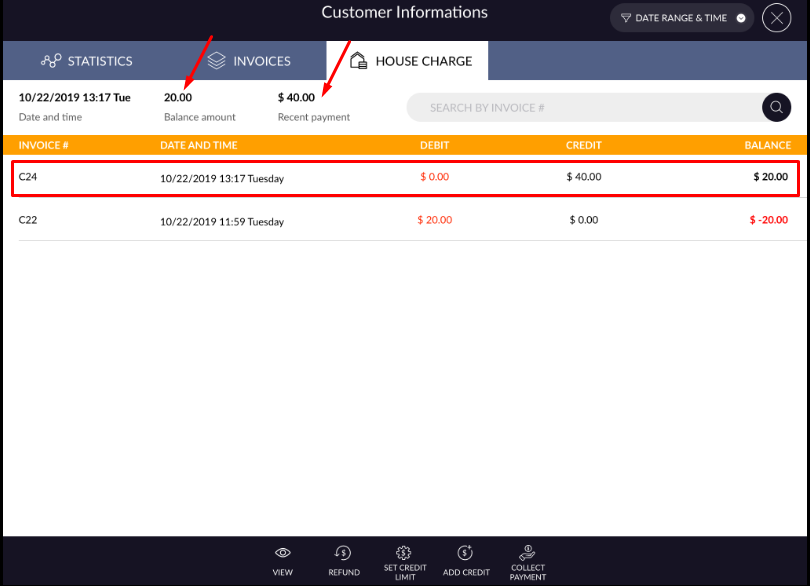
- If there is already negative amount is available then when adding credit then that will deduct and remaining amount display in balance amount.